If you run Facebook or Instagram ads that send people to your website, the Meta Pixel is the most important thing to set up before you spend more money. Many Nepali businesses skip it. They boost posts, see link clicks, and then have no idea whether any of those clicks became an order, a form or a call.
Searches like "meta pixel setup" and "meta pixel helper" are growing because more businesses here now have their own websites and online shops. This guide explains what the pixel does, how to set it up step by step, which events to choose for common Nepali businesses, and how to check that it works. All technical facts below come from Meta's own Business Help Centre pages, linked in each section.
What the Meta Pixel does
According to Meta's pixel setup guide, a pixel is a piece of code you put on your website to measure the actions people take there and to understand how effective your Meta advertising is.
In practice, the pixel helps you:
- Measure results. See how many website purchases, leads or registrations came from your ads.
- Optimise campaigns. Tell Meta to show your ads to people more likely to complete an action, not only to click.
- Build audiences. Create retargeting audiences, such as people who viewed a product but did not buy.
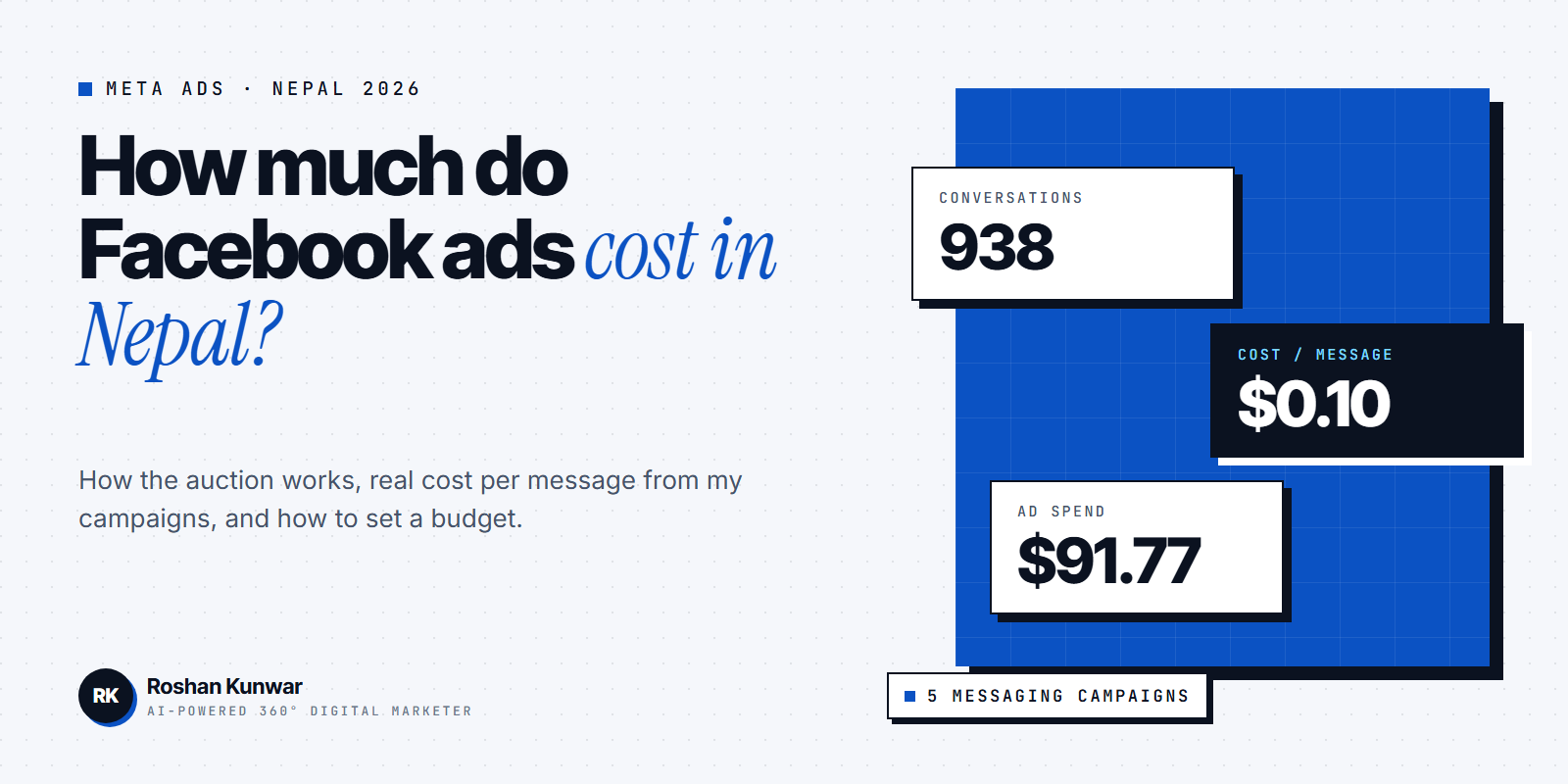
If your ads only aim for Messenger or WhatsApp conversations, you may not need a pixel at first, because those results are measured inside Meta. In my UnlockSkill Meta Ads project, the goal was messaging: five campaigns produced 938 messaging conversations from $91.77 in ad spend. As soon as your ads send people to a website, though, the pixel becomes essential.
The two parts of pixel setup
Meta describes setup as two steps:
| Step | What you do | Who usually does it |
|---|---|---|
| 1. Pixel and base code | Create the pixel in Meta Events Manager and add the base code to every page of your website | You, with a partner integration, or your web developer |
| 2. Events | Set up events for actions such as purchases or leads | Partner integration, the point-and-click event setup tool, or manual code |
Meta also says that if you share events using your pixel, it recommends using the Conversions API as well, which works with the pixel to improve measurement and campaign performance.
Step-by-step: set up your pixel
1. Open Meta Events Manager from your Business portfolio (Business Manager). Make sure you are in the business that owns your ad account. 2. Connect a new data source and choose Web. Give the pixel a clear name, such as "YourShop website". 3. Enter your website address so Meta can check whether a partner integration is available. 4. Choose how to install the base code: - Partner integration, if your website runs on a supported platform. This is the easiest route. - Manual code: copy the base code and paste it into the header of every page, or ask your developer to do it. - Google Tag Manager, if your site already uses it. 5. Set up events for the actions that matter (see the table below). 6. Test the setup before running ads (see the testing section). 7. Select the pixel in your ad set when you create a website campaign, and choose the conversion event you want to optimise for.
If your website was built with custom code and you are not technical, this is usually a short job for your developer. If you do not have a website yet, my website cost guide for Nepal explains what to budget.
Which events should a Nepali business use?
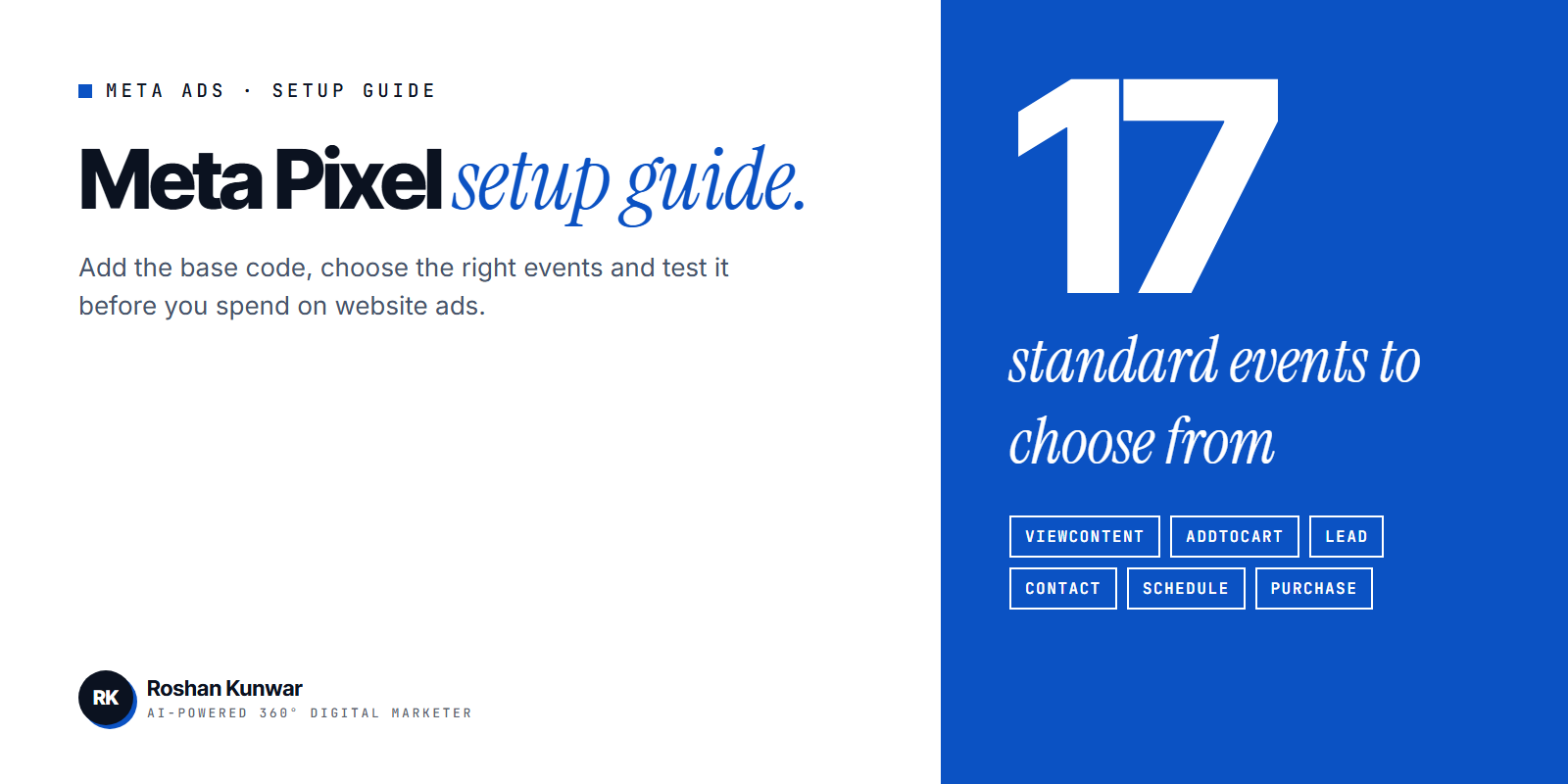
Meta's standard events list includes 17 predefined events, from AddToCart and Purchase to Lead, Contact and Schedule. You do not need all of them. Choose the few that match your business:
| Business | Main events to set up | Optimise ads for |
|---|---|---|
| Online shop | ViewContent, AddToCart, InitiateCheckout, Purchase | Purchase (or AddToCart while data is low) |
| Course institute | ViewContent, Lead, CompleteRegistration | Lead or CompleteRegistration |
| Clinic, salon or consultancy | Lead, Contact, Schedule | Lead or Schedule |
| Service business with a contact form | Lead, Contact | Lead |
| Real estate or car dealer | ViewContent, Lead, Contact | Lead |
A simple rule: set up one event for the final result you want (such as Purchase or Lead) and one or two events for earlier steps (such as ViewContent or AddToCart). Earlier events help when you are just starting and have few final results.
For a Nepali online shop where many customers still pay cash on delivery, a "Purchase" event may fire when the order is placed, not when payment arrives. That is fine for ad optimisation; just remember that the number in Ads Manager is orders placed, not money received.
How to test that your pixel works
Never launch website ads without checking the pixel first.
- Meta Ads Data Advisor. Meta's help page describes it as a free browser extension for Google Chrome and Microsoft Edge, formerly called Meta Pixel Helper. It verifies pixel installation and event firing and flags errors.
- Test events in Events Manager. Open your website through the test tool, click around, submit a test form, and check that each event appears.
- Check event details. For Purchase events, make sure the value and currency are sent correctly.
Common problems to look for:
| Problem | Likely cause | Fix |
|---|---|---|
| No events at all | Base code missing or in the wrong place | Add it to the header of every page |
| Events fire twice | Code added twice, for example by a plugin and manually | Remove one installation |
| Lead fires on page load | Event placed on the form page, not the thank-you page or submit action | Move it to the thank-you page or the submit button |
| Purchase value is zero | Value not passed from the checkout | Ask your developer to send the order value |
Pixel mistakes that waste ad budget
- Running "Sales" or "Leads" campaigns with no working event. Meta has nothing to optimise for, so results suffer.
- Optimising for Purchase with very few purchases. When data is low, start with an earlier event, then move to Purchase as orders grow.
- Sending people to the home page. Send ads to a specific page that matches the ad. My landing page vs homepage guide explains why.
- Letting someone else own the pixel. Make sure the pixel sits in your own Business portfolio, not only in an agency's or freelancer's account.
FAQ
Is the Meta Pixel free?
Yes. Creating a pixel in Meta Events Manager has no charge. You only pay for the ads you run.
Do I need a website to use the Meta Pixel?
Yes. The pixel is code that runs on your website. If your ads only aim for Messenger, WhatsApp or Instagram messages, you can run them without a pixel.
What is the difference between the Meta Pixel and the Conversions API?
The pixel runs in the visitor's browser. The Conversions API sends events from your server. Meta recommends using the Conversions API together with the pixel for better measurement.
What happened to Meta Pixel Helper?
Meta now calls it Meta Ads Data Advisor. It is still a free extension for Chrome and Edge, and it checks pixel installation and events.