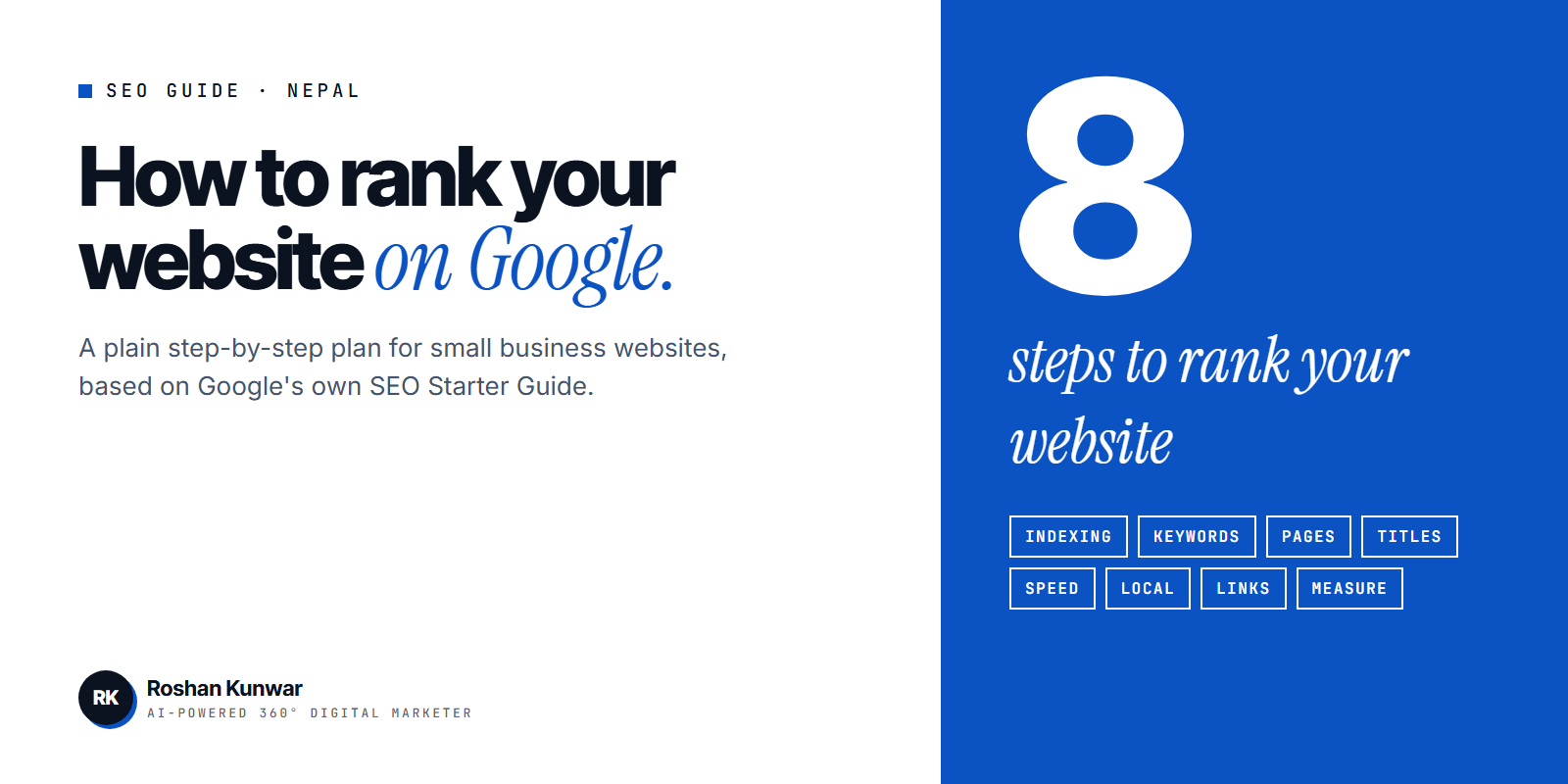
"How to rank website on Google first page" is a question almost every business owner in Nepal asks after launching a website. The site is live and looks good, but it does not appear when customers search.
There is no trick that puts a new site at the top overnight. What works is a short list of steps, done properly and in the right order. This guide follows Google's own SEO Starter Guide, explained for a small business in Nepal.
How Google decides what to show
Google first has to find your page, then understand it, then decide whether it is the best answer for a search. Google says it mainly finds pages through links from other pages it has already crawled. That is why a brand-new website with no links pointing to it can take time to appear.
Three things follow from this:
- Google must be able to reach and read your pages.
- Each page must clearly answer one search need.
- Other websites and profiles should mention and link to you.
Step 1: Check whether Google has your pages
Search Google for your domain with "site:" in front of it, for example site:yourbusiness.com.np. If your pages appear, they are indexed. If nothing appears, Google has not added the site yet.
Then set up Google Search Console, which is free. Verify your website, submit your sitemap and use URL inspection to check important pages. Google describes a sitemap as optional, but for a new site with few links it helps Google discover your pages.
Step 2: Find the words your customers use
Do not guess keywords. Collect them.
- Type your service into Google and note the autocomplete suggestions.
- Read the "People also ask" questions on the results page.
- Write down the exact questions customers ask on phone calls and in Messenger.
- Add the location where it matters, such as Kathmandu, Pokhara or Butwal.
Pick phrases that show buying intent. "Dental clinic in Bhaktapur" will bring more customers than "what is a dentist".
Step 3: Give each topic its own useful page
One page should target one main topic. A single "Services" page listing ten services in one line each will struggle to rank for any of them. Create a page for each important service, with what it includes, who it is for, the process, common questions and how to contact you.
Google says there is no magic word count, minimum or maximum. Write enough to answer the question fully, in your own words. The Starter Guide notes that useful, compelling content is likely to influence your presence in search results more than any other suggestion in it.
Step 4: Fix titles, descriptions, URLs and images
| Element | What Google recommends | Example |
|---|---|---|
| Page title | Unique to the page, clear and concise, describes the content | Dental Clinic in Bhaktapur - Smile Care |
| Meta description | Short, unique, covers the most relevant points | Braces, cleaning and implants in Bhaktapur. Open Sunday to Friday. Book online. |
| URL | Words that are useful for users, not random numbers | /dental-clinic-bhaktapur |
| Image alt text | Short description of the image and its relation to the content | Dentist checking a patient at Smile Care Bhaktapur |
| Link text | Tells users and Google what the linked page is about | "see our teeth whitening prices" rather than "click here" |
These are small edits, and many small business websites still get them wrong. Fixing them is often the quickest win.
Step 5: Make the site fast and easy on mobile
Many of your customers will search on a phone. Test your site with Google's free PageSpeed Insights tool and fix the largest problems first: oversized images, heavy sliders and unused plugins. Use HTTPS, readable font sizes and buttons that are easy to tap.
If your site is slow because of how it was built, a rebuild can be cheaper than endless patches. See my website cost guide for what affects the price.
Step 6: Set up local search
If you serve customers in a specific area, create and verify a Google Business Profile. Add the correct category, address, phone number, opening hours, photos and services, and ask happy customers for reviews. This is how businesses appear in Google Maps and the local results box.
My local SEO checklist for Nepal covers this step by step.
Step 7: Earn links and mentions
Because Google discovers pages mainly through links, a site with no links from anywhere is at a disadvantage. Honest ways to earn them:
- List your business in relevant Nepali directories with the same name, address and phone number.
- Add your website to all your social profiles.
- Ask suppliers, partners and clients to link to you where it makes sense.
- Publish guides or data that other sites want to reference.
Avoid buying links in bulk. Paid link schemes are against Google's spam policies.
Step 8: Measure and improve every month
Open Search Console's Performance report once a month. Look at which searches show your pages, and which pages get impressions but few clicks. Improve the title and content of those pages first.
Google says some changes take effect in a few hours and others can take several months, and suggests waiting a few weeks before judging a change. SEO rewards steady work.
What not to waste time on
Google's guide lists several things that matter less than people think.
| Common belief | What Google says |
|---|---|
| Fill the keywords meta tag | Google Search does not use it |
| Repeat the keyword many times | Keyword stuffing is against its spam policies |
| Buy a domain full of keywords | Keywords in the domain have hardly any effect |
| Every post needs a set word count | There is no minimum or maximum target |
FAQ
How long does it take to rank on Google?
It depends on competition and how new your website is. Google says changes can take from a few hours to several months to show. For a new site, expect steady progress over months, not days.
Can I rank without paying for ads?
Yes. Organic results are free to appear in. Ads can bring visitors immediately while SEO builds, and the two work well together. See SEO price in Nepal to understand what a paid SEO service includes.
Why is my website not showing on Google at all?
Usually the site is new and not yet indexed, it is blocked by a setting such as noindex, or no other site links to it. Check with a "site:" search and URL inspection in Search Console.
Do I need a blog to rank?
Not always, but helpful articles give you more pages that match what customers search, and more reasons for other sites to link to you.