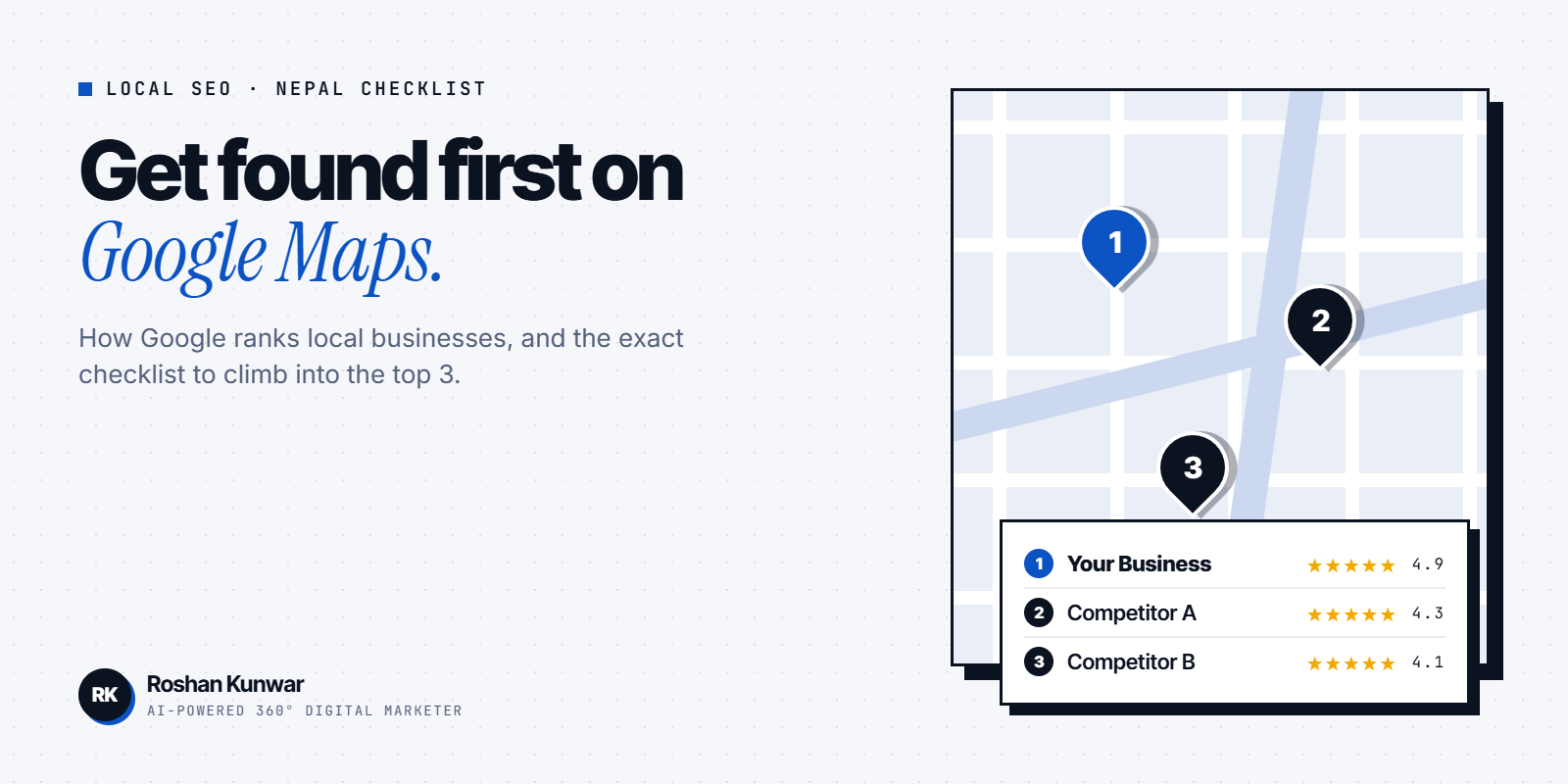
When someone in Kathmandu, Pokhara or Butwal searches "cafe near me", "laptop repair" or "dental clinic", Google shows a map with three businesses first. That map pack is where most local customers click. This checklist shows how to get there, based on Google's own guidance and what I see working for small businesses.
How Google ranks local businesses
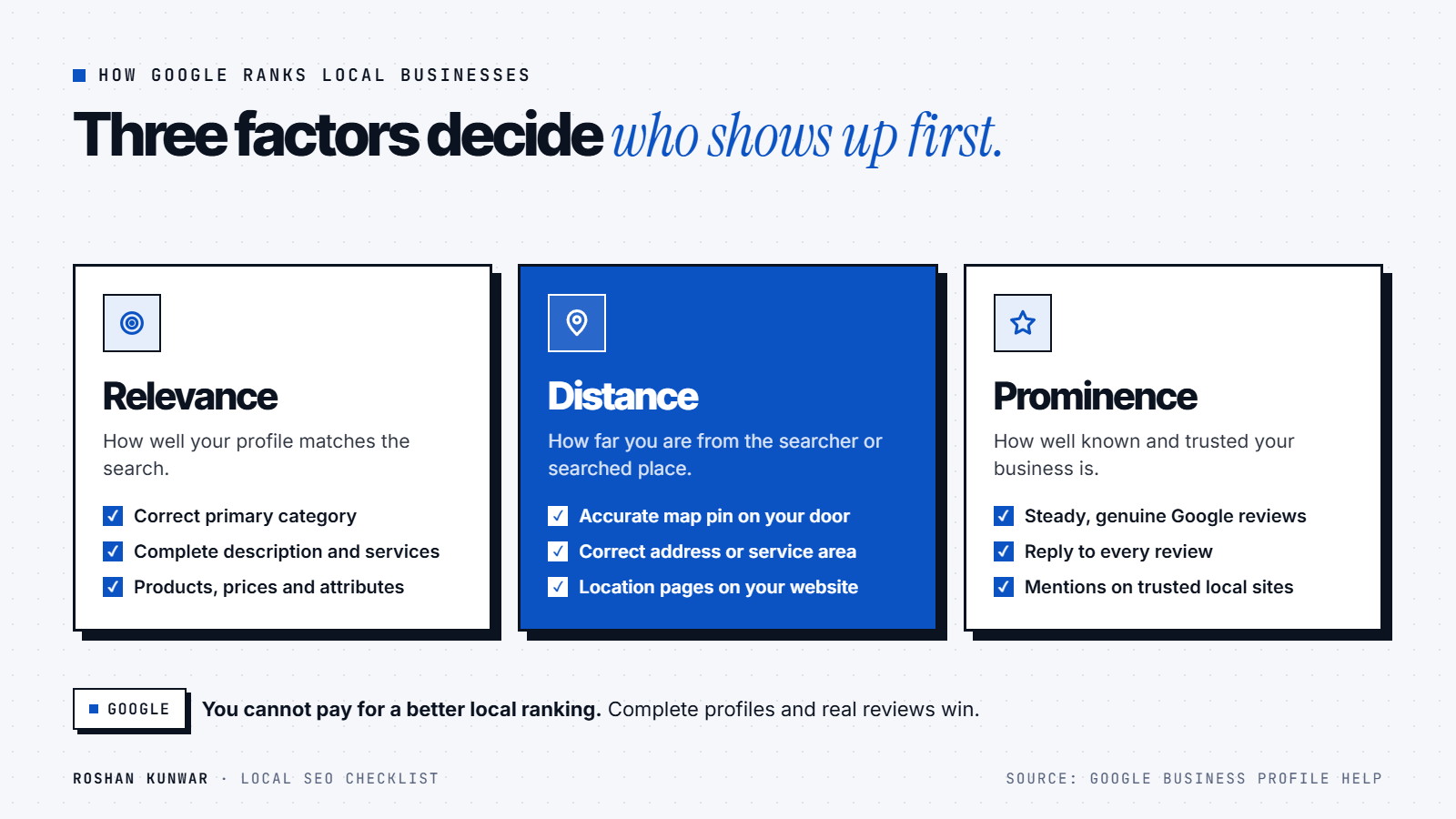
According to Google's Business Profile help page, local results are based mainly on:
- Relevance: how well your profile matches what someone searched.
- Distance: how far your business is from the searcher or the location in the search.
- Prominence: how well known your business is — including reviews, ratings and links from other websites.
Google also states clearly that you cannot request or pay for a better local ranking. That is good news: a small shop that does the basics well can beat bigger competitors.
Step 1: Claim and verify your Google Business Profile
- Go to Google Business Profile and search for your business name.
- Claim it if it exists, or create it if it does not.
- Complete verification. Unverified profiles rarely rank well.
Step 2: Complete every field (relevance)
- Primary category: the single most accurate one, such as "Clothing store" or "Digital marketing agency". Add secondary categories only if they are true.
- Business name: your real name, exactly as on your signboard. Adding keywords to the name breaks Google's guidelines and can get the profile suspended.
- Address and service area: a correct map pin matters a lot in Nepal, where addresses are often informal. Drag the pin to your actual door.
- Hours: including special holiday hours for Dashain and Tihar.
- Phone and WhatsApp-reachable number, website and booking link.
- Description: what you do, for whom and where — written naturally.
- Products or services with short descriptions and prices if possible.
Step 3: Photos and videos
Add real photos of your storefront (so people find you), inside, team and products, and keep adding new ones every month. Google lists photos and videos among its official tips, and customers trust real images more than stock pictures.
Step 4: Reviews (prominence)
- Ask every happy customer for a review — a QR code at the counter and a short WhatsApp message with the review link both work.
- Reply to every review, good and bad, politely and within a few days. Google recommends responding to reviews.
- Never buy reviews or post fake ones. Google removes them and can restrict your profile.
Step 5: Make your website support your profile
- Put your business name, address and phone in text on your contact page, the same as on Google.
- Create one page per main service, with the city in the heading where it is natural, such as "Web design in Lalitpur".
- Embed your Google map on the contact page.
- Make the site fast on mobile and make the call or WhatsApp button easy to tap.
- Add LocalBusiness structured data that matches what is visible on the page.
My SEO service covers this setup if you want it done for you.
Step 6: Get mentioned on trusted local sites
Prominence also comes from the web around you: local news, association member lists, supplier pages, event pages and quality directories. A few genuine mentions from respected Nepali sites are worth more than dozens of spammy directory listings.
What about AI Overviews and AI Mode?
Google's documentation on AI features says there are no additional requirements or special optimizations needed to appear in AI Overviews or AI Mode. The same fundamentals apply: pages must be indexable, content must be helpful and people-first, and your Business Profile information should be kept up to date. In other words, the checklist above is also your AI search checklist.
Local SEO checklist
| Task | Done when |
|---|---|
| Profile claimed and verified | You can edit it and it shows a verified badge in your dashboard |
| Correct primary category | Matches what customers search for |
| Accurate map pin and hours | Pin on your door; festival hours updated |
| 10+ real photos | Storefront, inside, team, products |
| Review routine | QR code and message template in use; every review replied to |
| Website NAP matches | Same name, address, phone everywhere |
| One page per main service | Clear heading, location where natural, fast on mobile |
| Search Console connected | You can see which searches bring visitors |
FAQ
How long does local SEO take in Nepal?
Profile fixes can show results within a few weeks. Reviews and website work build over two to six months. Consistency matters more than any single change.
Do I need a website for local SEO?
You can rank in Google Maps with a strong Business Profile alone, but a simple, fast website helps relevance and prominence and gives you a place to send ad traffic.
Should I add "Kathmandu" to my business name on Google?
No. Use your real business name. Adding locations or keywords to the name breaks Google's guidelines.
How do I get more Google reviews?
Ask at the right moment — right after a good experience — and make it one tap with a short link or QR code. Reply to every review to show you care.