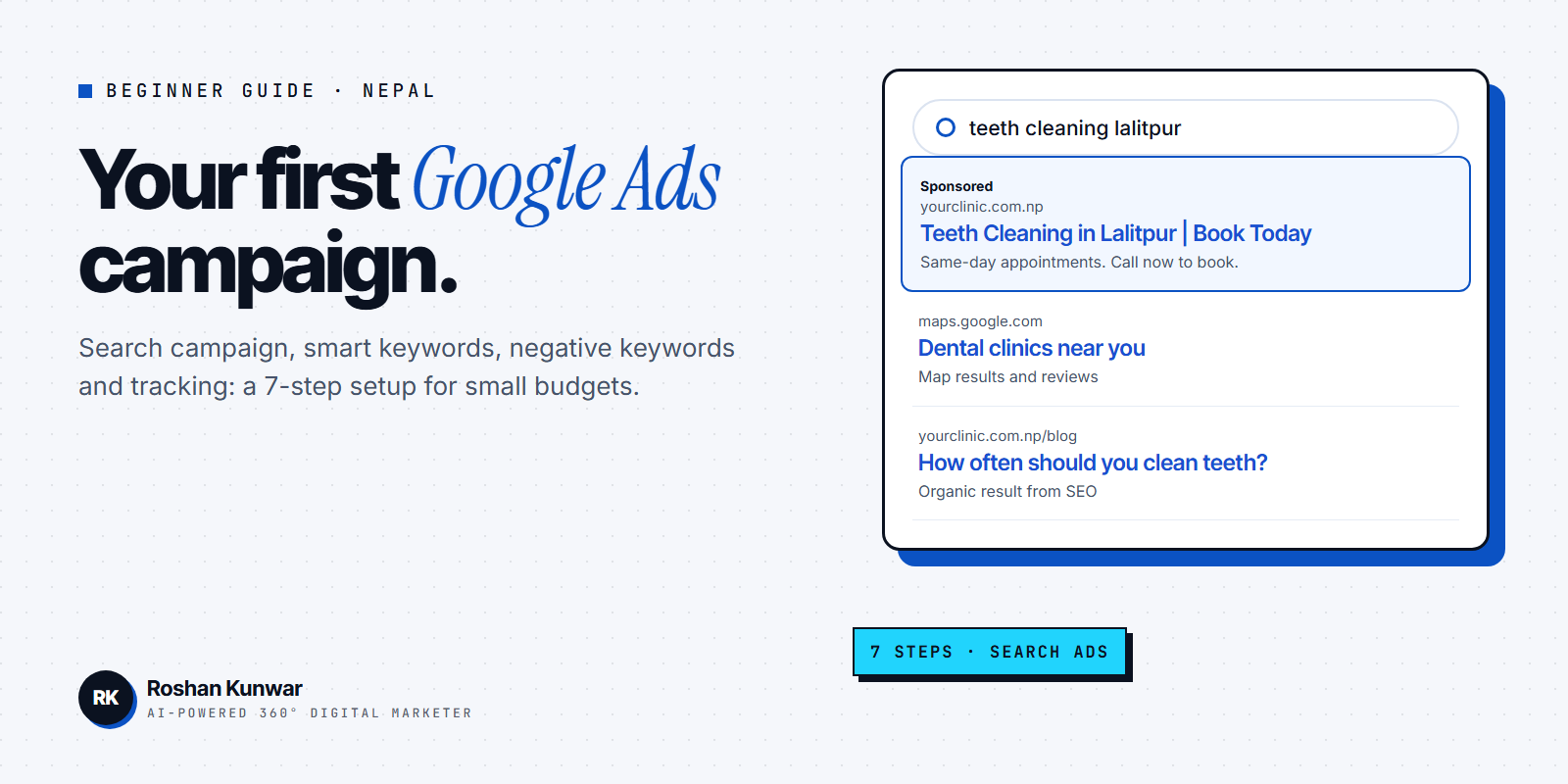
"How to run Google Ads" is one of the most common questions from business owners in Nepal who want customers to find them on Google today, not in six months. Google Ads can do that, because your ad shows to people who are already searching for what you sell.
This guide walks you through your first campaign step by step: which campaign type to choose, how to pick keywords, how match types and negative keywords work, how to write the ad, and what to check in the first two weeks. If you want to know what it costs first, read my Google Ads cost in Nepal guide.
Before you open Google Ads
Have these ready. Skipping them is the main reason first campaigns fail.
| What you need | Why it matters | Quick check |
|---|---|---|
| One clear goal | Calls, form leads, WhatsApp chats or sales | Can you count it? |
| A landing page | The page people see after clicking | Fast on mobile, clear offer, contact button |
| A list of services or products | Each one becomes an ad group | Written in your customers' words |
| A test budget | You need enough clicks to learn | An amount you can afford to lose while learning |
| Conversion tracking | Shows which keywords bring customers | Test it before launch |
A Facebook page is not enough for Google Search ads. You need a page on a website that matches the search. If you do not have one yet, start with a simple landing page; see web development.
Step 1: Choose the right campaign type
Google Ads offers several campaign types. According to Google's campaign type guide, Search campaigns show text ads on Google search results to people actively looking for what you offer, while Performance Max is a goal-based campaign that runs across all Google Ads channels from one campaign.
| Campaign type | Where ads show | Good for beginners? |
|---|---|---|
| Search | Google search results | Yes, start here |
| Performance Max | All Google Ads channels, such as Search, YouTube and Display | Later, once tracking works |
| Display | Websites and apps | Mostly for awareness or remarketing |
| Video | YouTube | When you have good video ads |
| Shopping | Product listings (needs Merchant Center) | For online stores with a product feed |
For a first campaign, choose Search. It is the easiest to understand: you see which searches triggered your ad and what happened after the click. Performance Max relies on good conversion data, which a brand-new account does not have yet.
Step 2: Pick keywords people actually type
Think like your customer, not like your brand. A clinic in Lalitpur might want "dental clinic in lalitpur", "teeth cleaning price" and "braces near me", not just its own name.
Free ways to find keywords:
- Type your service into Google and note the autocomplete suggestions.
- Look at "People also ask" and related searches at the bottom of the results page.
- Use Keyword Planner inside Google Ads.
- Ask your sales or reception team what customers say on the phone.
Group keywords by meaning. Each group becomes one ad group with its own ad and landing page. For example, "braces" keywords and "teeth cleaning" keywords should not share one ad.
Step 3: Understand match types
Match types decide how closely a search must match your keyword. Google's match types help page describes three:
| Match type | How you write it | What it does |
|---|---|---|
| Broad (default) | dental clinic | Can show for related searches, even without your words |
| Phrase | "dental clinic" | Shows for searches that include the meaning of your keyword |
| Exact | [dental clinic] | Shows for searches with the same meaning or intent; most control, least reach |
Google says broader match types capture all the queries of narrower ones, plus more, and recommends using Smart Bidding with broad match. For a small first budget without conversion data, phrase and exact match give you more control. You can test broad match later once conversions are tracked.
Step 4: Add negative keywords from day one
Negative keywords let you exclude search terms from your campaign. Google's own example is an optometrist adding "wine glasses" so their eyeglasses ads do not show to people shopping for glassware.
Common negative keywords for businesses in Nepal:
- free, pdf, download if you sell a paid service
- job, vacancy, salary unless you are hiring
- course, training, how to if you sell the service, not lessons
- second hand, used if you only sell new products
After launch, open the search terms report every few days and add any irrelevant searches as negatives. This is the single habit that saves the most money.
Step 5: Write an ad that matches the search
A good Search ad repeats what the person searched for, gives a reason to choose you and tells them what to do next.
- Headlines: include the keyword, your location and one clear benefit (for example "Teeth Cleaning in Lalitpur", "Same-Day Appointments").
- Descriptions: explain the offer in plain words and add a call to action ("Call now to book").
- Assets: add call, location, sitelink and callout assets so the ad takes more space and gives more ways to contact you.
Never promise what the landing page does not show. If the ad says "price from", the page must show the price.
Step 6: Set budget, bidding and location
Google Ads uses an average daily budget. Google's budget help page says to divide your monthly budget by 30.4 to get the daily amount, and daily spend can vary around that average.
- Location: target only the areas you serve. A Pokhara restaurant does not need clicks from Biratnagar.
- Language: English is usually fine, since most Nepali users search with English keywords or Romanized Nepali.
- Bidding: start with "Maximize clicks" with a sensible maximum bid, or "Maximize conversions" once tracking works. Switch to target-based bidding only after you have steady conversions.
- Schedule: if you take calls only during office hours, run call-focused ads only then.
Step 7: Set up conversion tracking before launch
Conversion tracking measures what people do on your site after they click your ad. Without it you only see clicks, and clicks do not pay the bills.
Track at least one of these: form submissions, phone calls from the ad, WhatsApp button clicks, or purchases. Test each conversion yourself before you go live.
What to check in the first two weeks
| When | Check | Action |
|---|---|---|
| Day 1 | Ads approved, tracking firing | Fix disapprovals and broken tags |
| Every 2–3 days | Search terms report | Add negative keywords |
| End of week 1 | Click-through rate per ad group | Rewrite weak headlines |
| End of week 2 | Cost per conversion | Pause keywords that spend without results |
Do not change everything at once. Make one or two changes, wait a few days, then look again.
Common beginner mistakes
- Sending every click to the home page instead of a matching landing page.
- Using only broad match with no negative keywords.
- Running ads with no conversion tracking.
- Copying the same ad into every ad group.
- Judging the campaign after two days.
- Not answering calls or messages quickly, so paid leads go cold.
FAQ
Can I run Google Ads in Nepal myself?
Yes. Anyone can create a Google Ads account and run a campaign. The setup takes an afternoon, but good results come from weekly checks of search terms, ads and conversions. If you do not have that time, a specialist can manage it for you.
How much budget should I start with?
Start with an amount you can afford to spend while learning, and keep it steady for at least two weeks so you get enough data. My Google Ads cost guide explains how the auction and daily budgets work.
Should I start with Google Ads or Facebook Ads?
Google Ads works best when people already search for your service. Facebook and Instagram ads work better to create new demand with visuals. Read Google Ads vs Facebook Ads in Nepal to decide.
Do I need a website for Google Ads?
For Search campaigns, plan on having a landing page that matches the search. A clear, fast page with your offer and a contact button is what turns a click into a customer.