
MeroCloud — Google Drive as Windows Drive
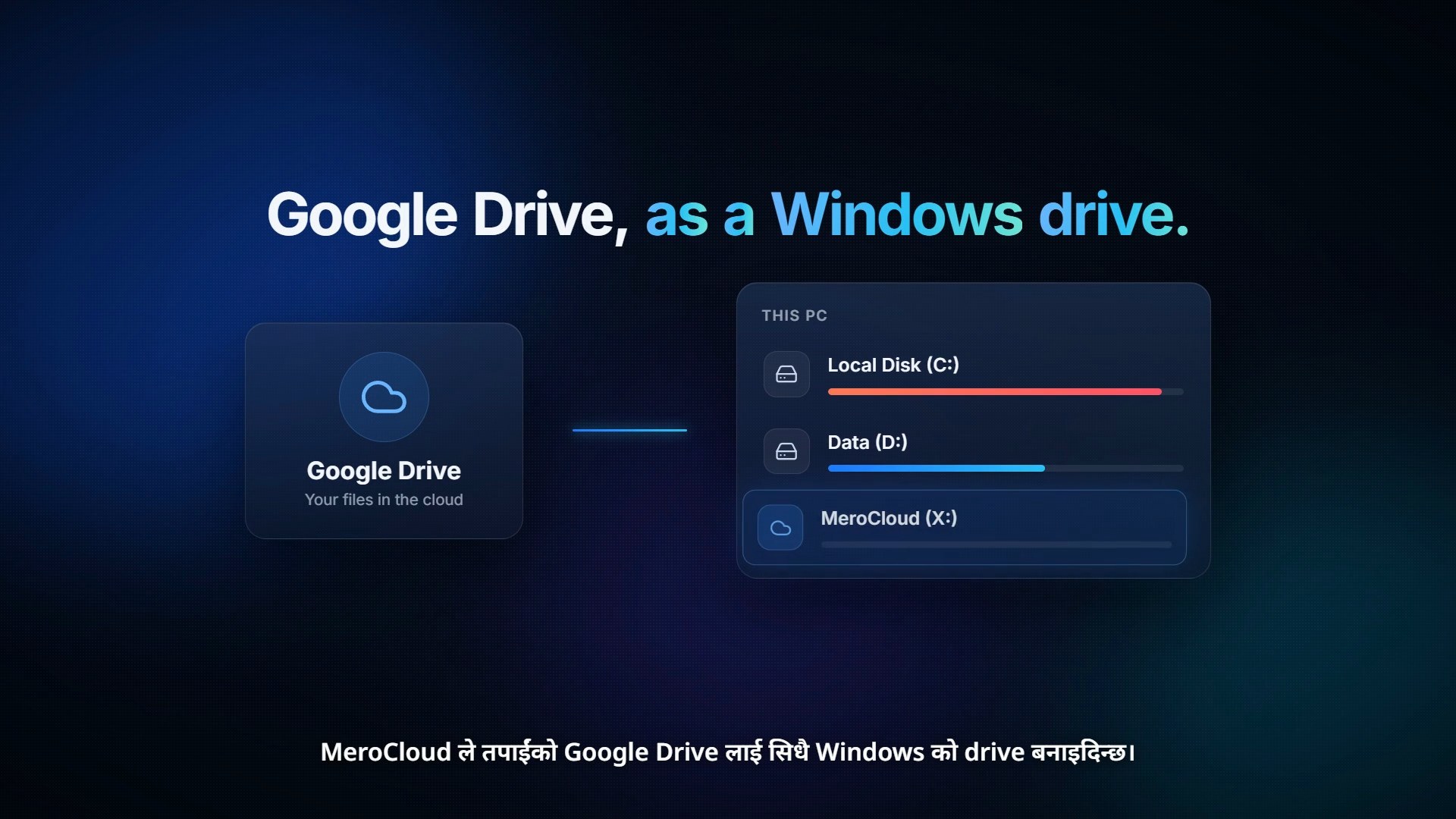
A Windows app that mounts Google Drive as drive X: in File Explorer, so files live in the cloud and the PC never fills up. Includes a 65-second Nepali launch video in wide and vertical cuts.
Project breakdown
Challenge
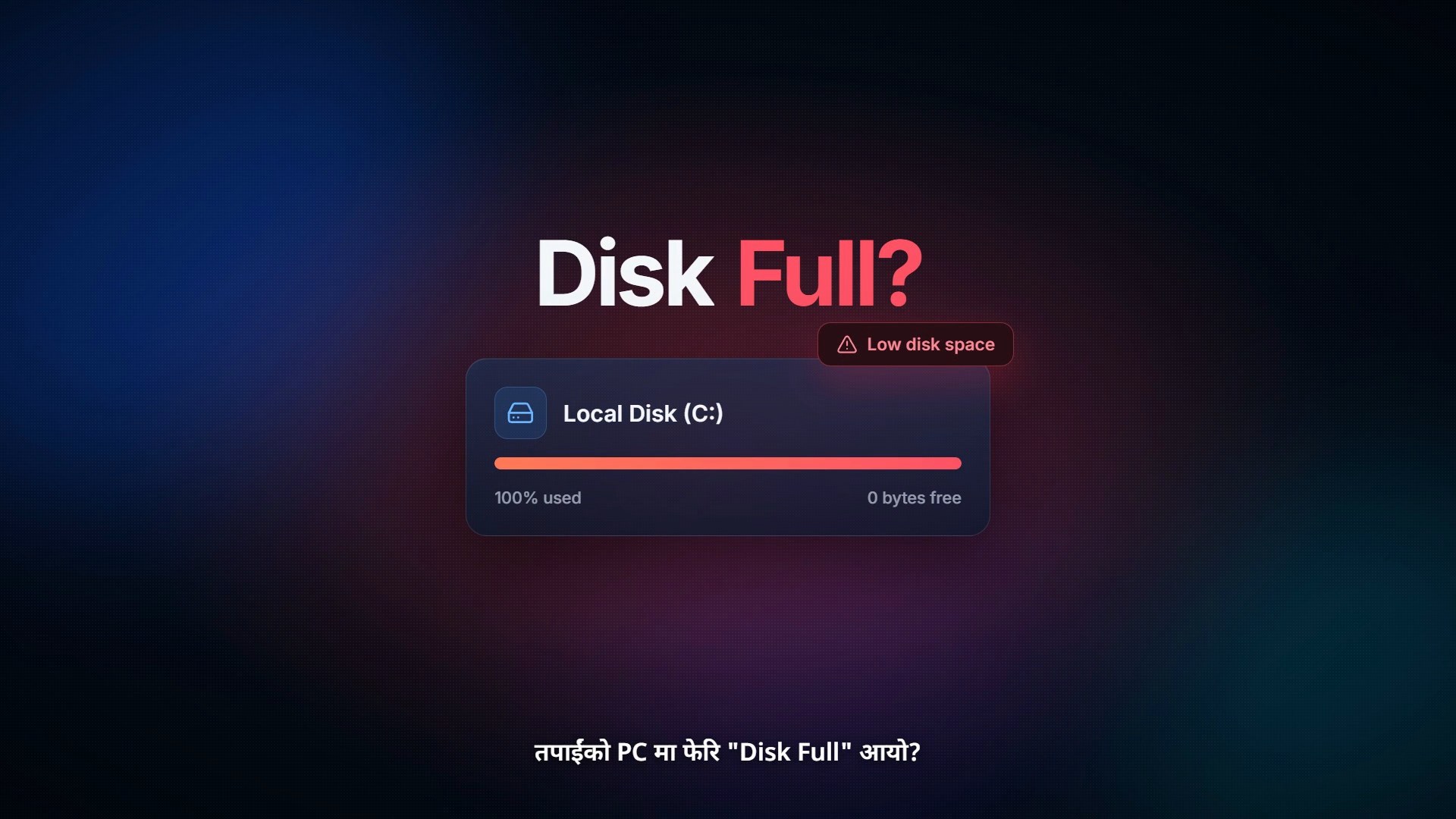
Many people in Nepal fill up their C: drive with photos, videos and projects, then juggle Google Drive in the browser: download, edit, upload again. I wanted cloud storage to feel like a normal drive, with no extra steps.
Strategy
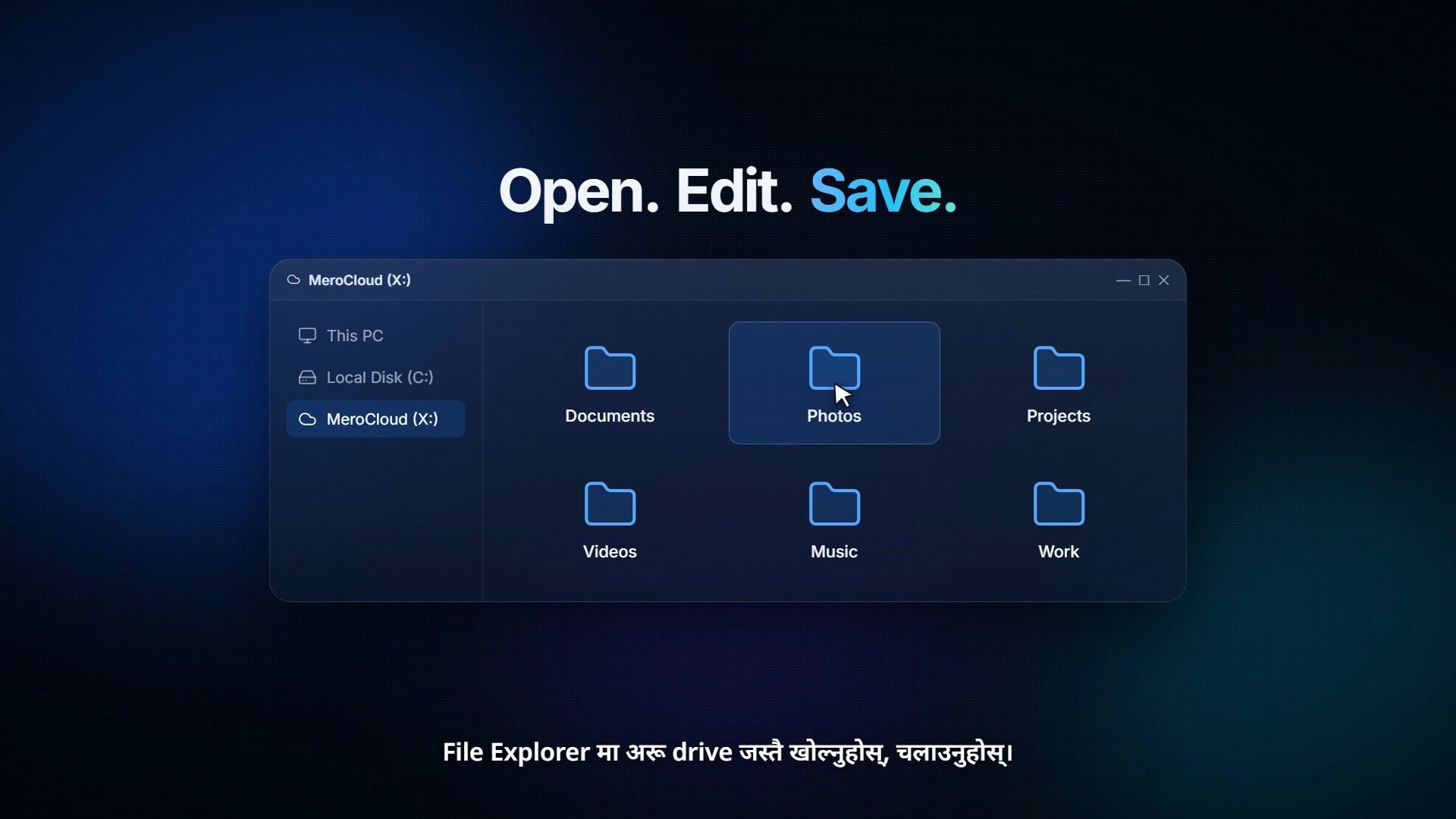
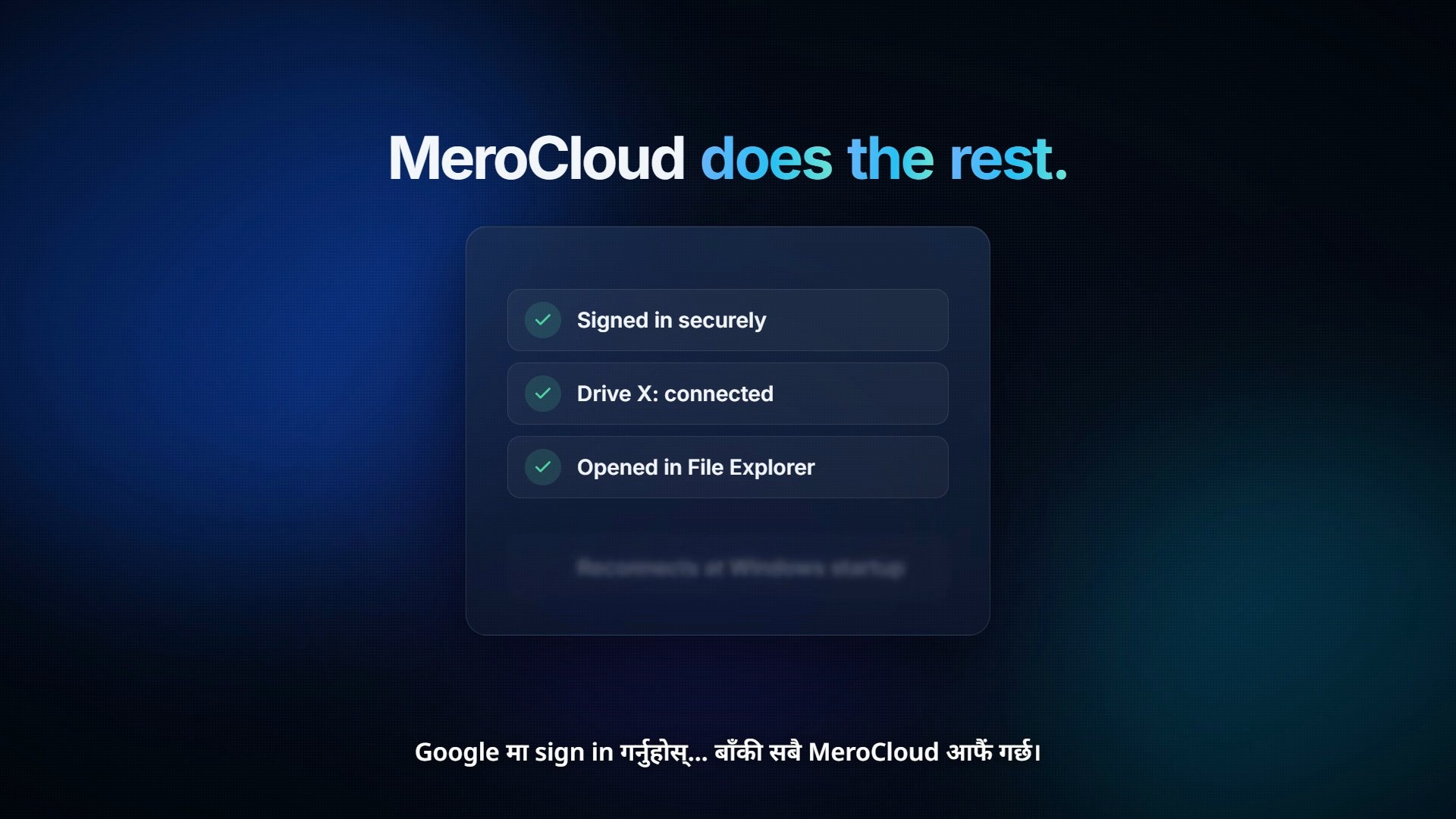
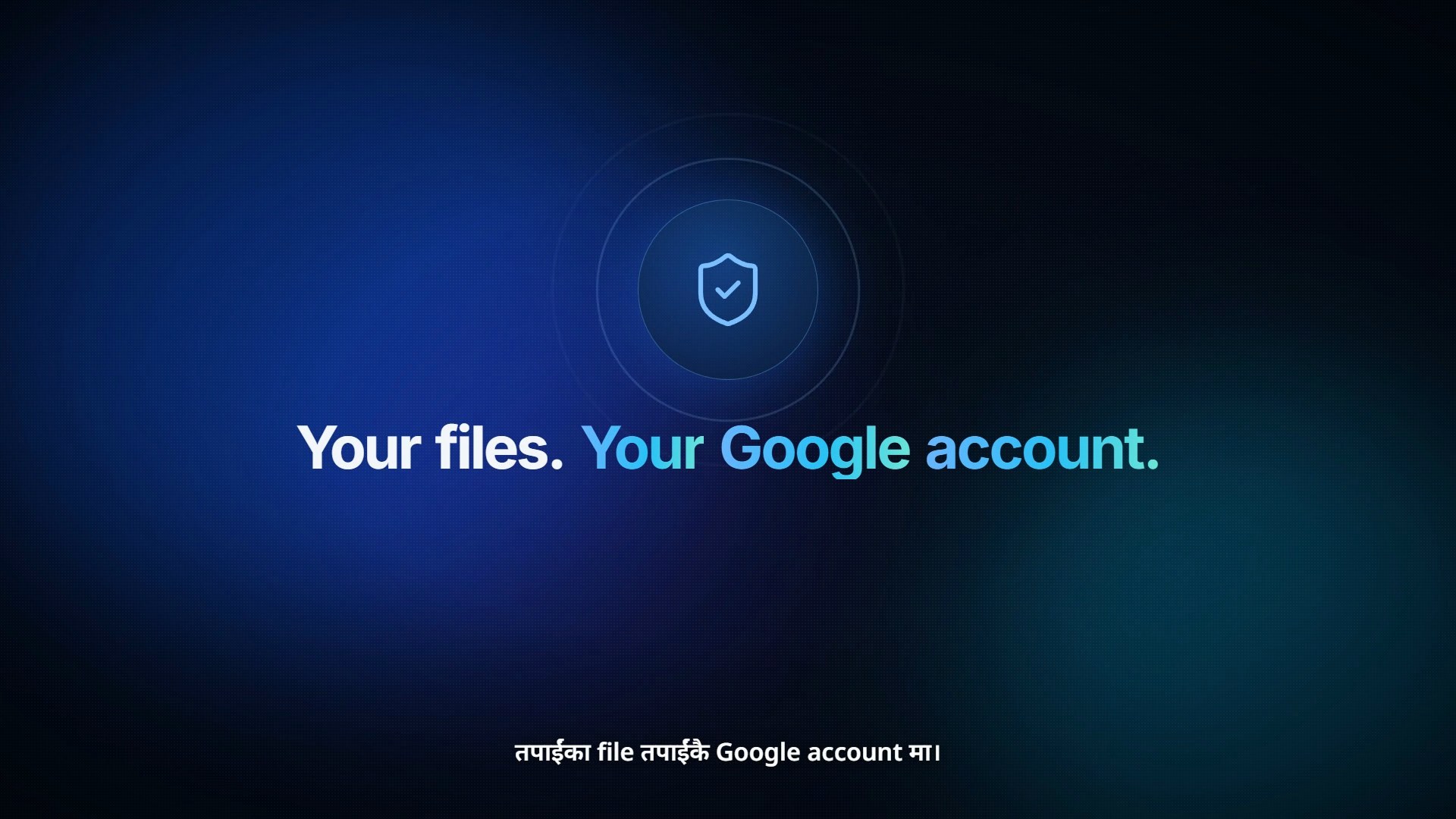
Make Google Drive appear as its own drive (X:) in File Explorer, so people open, edit and save files the way they already do. Keep sign-in to one Google login and handle the hard parts in the background: caching, offline uploads and reconnecting.
Execution
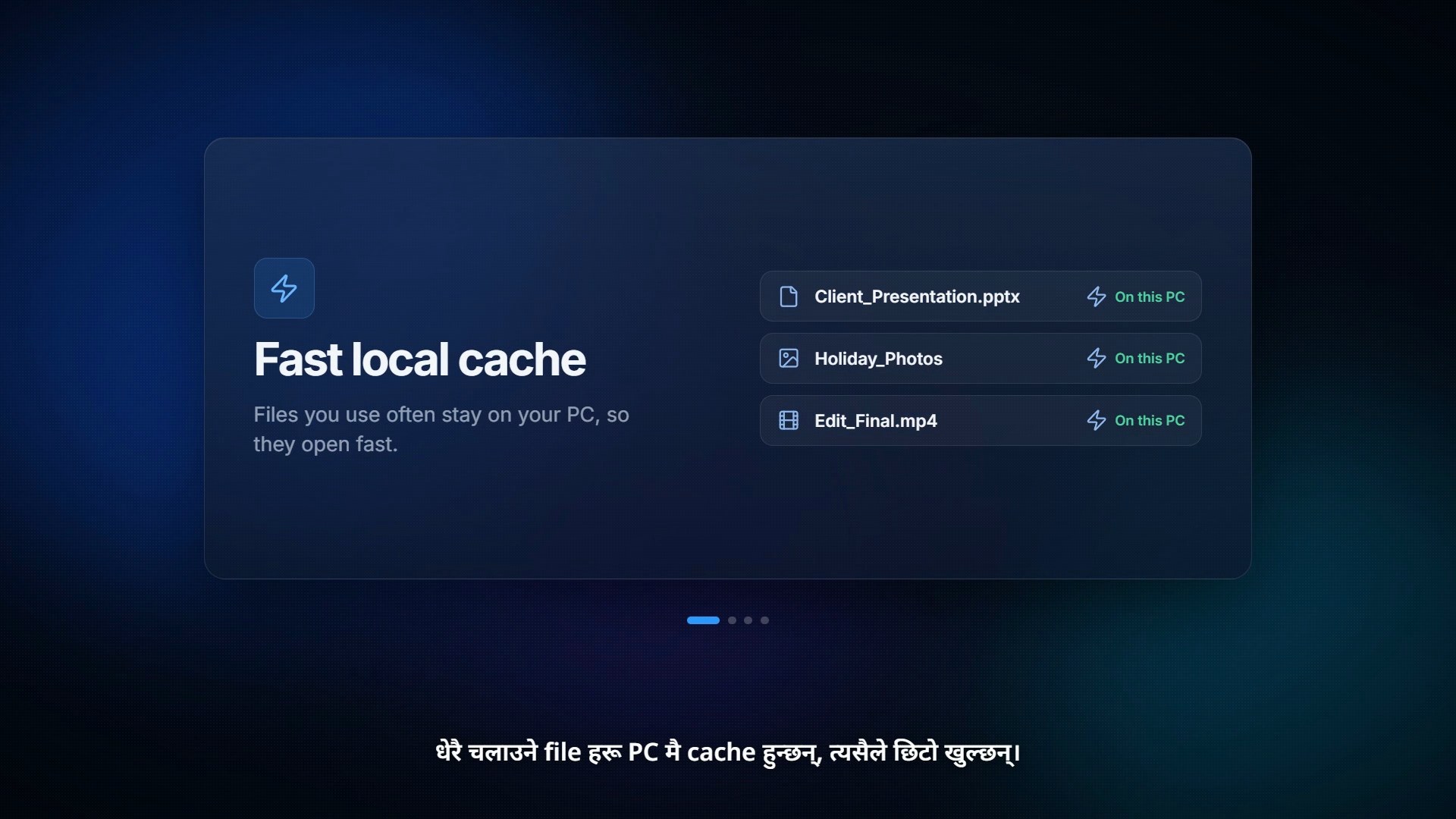
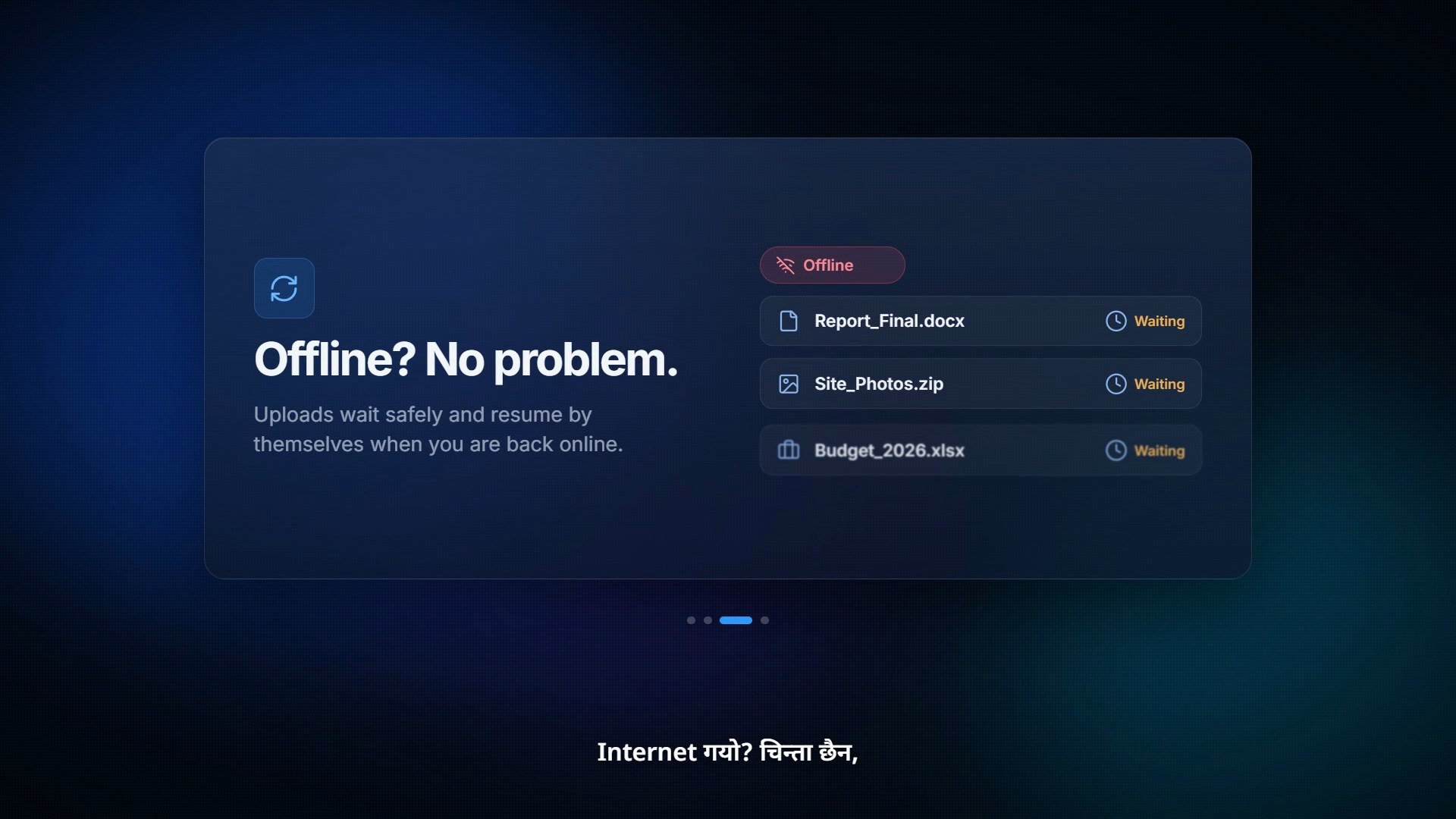
Built the app and its dashboard UI: drive status, storage overview and setup in one screen. Added a fast local cache for often-used files, an offline queue that uploads when the internet returns, offline folders, and encrypted credentials stored on the PC. Then wrote and produced a 65-second Nepali launch video, problem → solution → features → CTA, exported in 16:9 for YouTube/web and 9:16 for Reels.
Result
A working personal product plus a complete launch video in two formats. The video explains a technical tool in simple Nepali in about a minute: Disk full, Google Drive as a Windows drive, open/edit/save, cache, offline mode, security and a download CTA.
Project visuals
What this work needed to achieve
- ✓Make Google Drive usable like a normal Windows drive
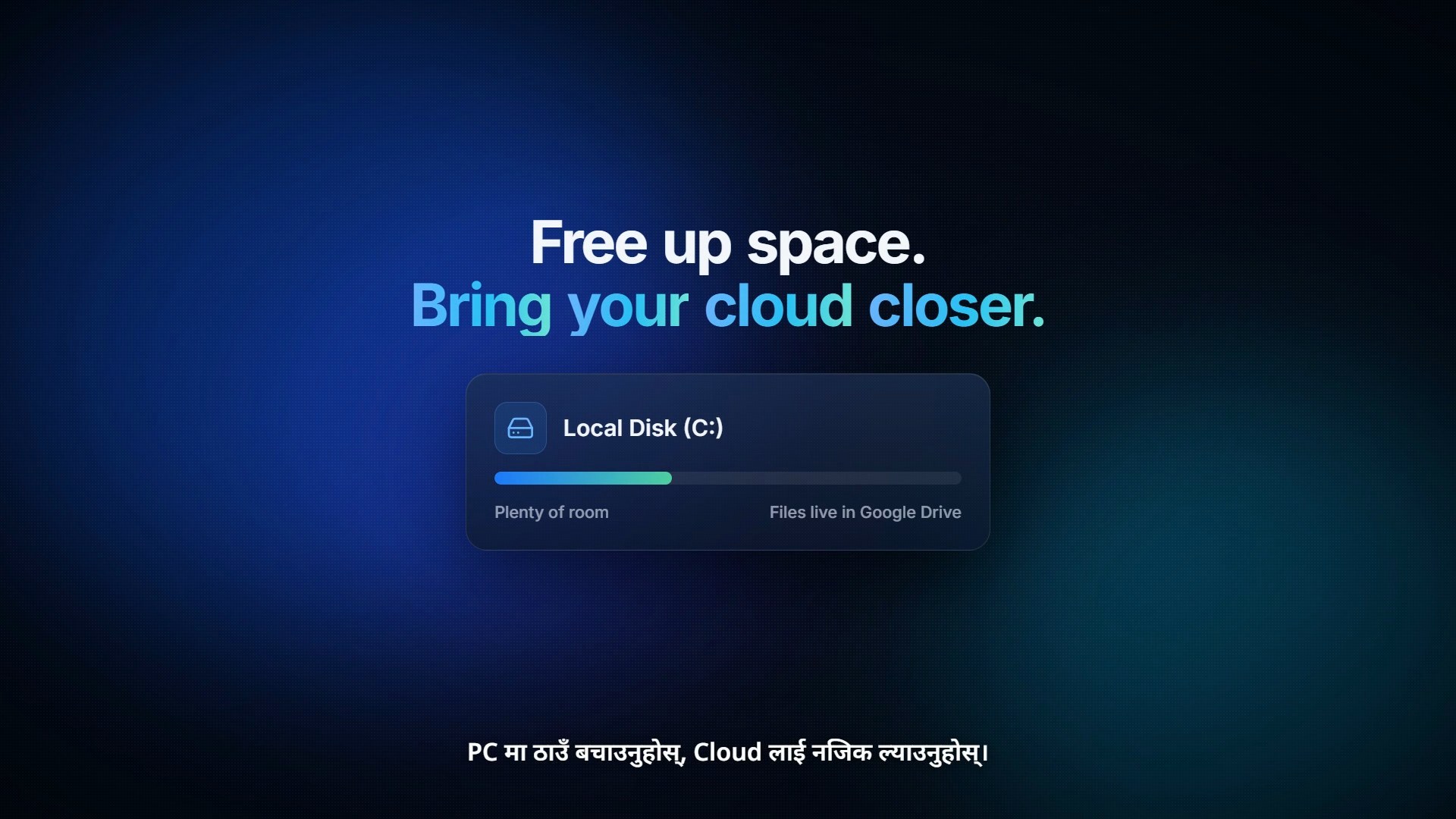
- ✓Free up local disk space without changing habits
- ✓Keep working when the internet drops
- ✓Explain the product to non-technical Nepali users in one minute
What was produced
- ↗Windows desktop app (MeroCloud)
- ↗App dashboard UI
- ↗65-second Nepali launch video (16:9)
- ↗Vertical 9:16 cut for Reels and Shorts
- ↗Feature visuals for the product story